

What is Azure skills?
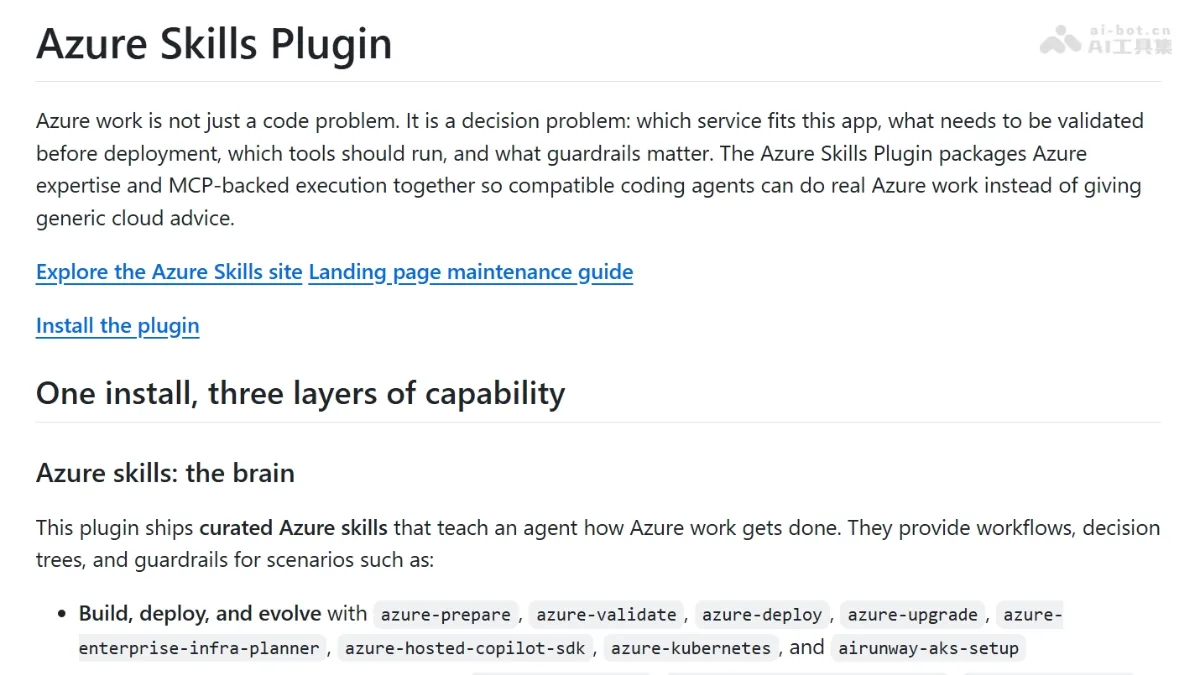
The Azure Skills plugin packages Azure expertise, structured workflows, and execution safeguards into a capability layer: it teaches agents when to activate Azure workflows and avoid common operational mistakes. At the same time, it integrates with the Azure MCP Server, providing over 200 structured tools spanning more than 40 Azure services, supporting resource enumeration, price inquiries, log analysis, fault diagnosis, and end-to-end workflow automation. It also includes Microsoft Foundry MCP, which supports model discovery, model deployment, and intelligent agent workflows, among other use cases. Additionally, it supports multi-host environments, including compatible platforms such as GitHub Copilot (for VS Code/IntelliJ IDEA), Copilot CLI, and Claude Code.
Key features
It provides pre-defined skill sets tailored for actual Azure operations and maintenance scenarios, covering decision trees, workflows, and security protection rules—such as structured response paths for specific questions like “Which role should be granted Blob read permissions for a managed identity?”
Integrated with the Azure MCP Server, it exposes over 200 structured tools, allowing users to perform real-world operations across more than 40 Azure services, including resource management, cost auditing, log retrieval, and issue diagnosis.
Use cases and audience
It supports Azure developers and cloud engineers using compatible hosts such as GitHub Copilot for VS Code, Copilot CLI, Claude Code, and others.
- Build, deploy, and evolve Azure applications using skills like azure-prepare, azure-validate, and azure-deploy.
- Troubleshoot, monitor, and govern Azure resources using skills such as azure-diagnostics, appinsights-instrumentation, and azure-compliance.
- Optimize Azure architecture and costs by leveraging skills like azure-cost, azure-compute, and azure-resource-visualizer.
Requests related to Azure tasks, such as deployment configuration, resource diagnostics, cost optimization, and permission assignment—for example, “Which role should be assigned to this managed identity to read blobs?”
Structured Azure guidance, decision trees, workflow execution, and real-time resource operations—such as listing resources, querying logs, and diagnosing issues.
Frequently asked questions
The MCP tool is not displayed.
Restart the MCP server or reload the host environment to apply configuration changes
The proxy is not utilizing Azure skills.
Reload or restart the host environment to re-index plugins and MCP configurations
How to use
- 01
Install the GitHub Copilot plugin (requires version 1.5.64-242 or later).
- 02
Restart IntelliJ IDEA and enable the GitHub Copilot feature.
- 03
Install the Azure Skills plugin (you will receive an installation notification after restarting).
- 04
Ensure that the Azure Developer CLI (azd auth login) and Git CLI are installed and authenticated.
Official website & sources
Updated on 2026-10-27