

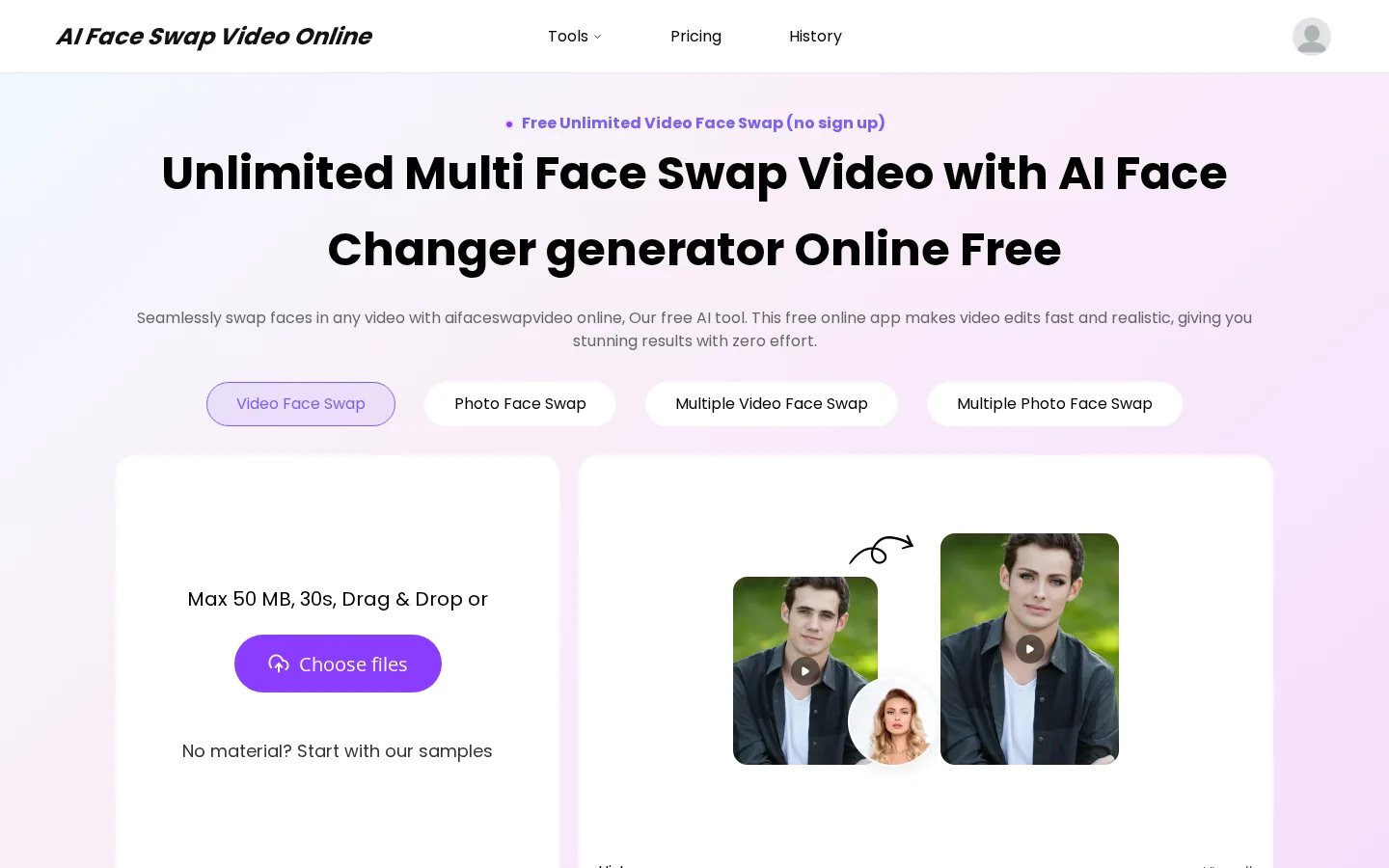
What is AI Face Swap Video?
Supports exchanging multiple faces at once, precisely tracking head movements and facial expressions.
Automatically matches skin tones, lighting, and shadows to achieve a seamless blending effect.
Provides a sample asset library, allowing beginners to try it out directly without preparing original materials.
Key features
Supports simultaneous face swapping among multiple individuals within a single video, making it suitable for group video editing.
Equipped with AI-driven expression synchronization technology, ensuring that the replaced faces naturally mirror the original video’s emotions.
Use cases and audience
A free AI video face-swapping tool designed for content creators, social media users, and the general public—no registration needed to get started.
- Create celebrity face-swapping videos: Upload your own video, select any star’s facial image, and generate a cinematic-quality video featuring yourself in their role.
- Perform gender-reversal video creation: Use AI to freely transform the gender of people in your video online, producing fun and realistic video content.
- Quickly produce viral emoji-pack videos: Upload any video or photo, pair it with a target face, and generate a shareable, funny face-swapping short video with one click.
Allows uploading a single video file (up to 50 MB, 30 seconds long) along with a single target facial image; users can also choose from the platform’s sample assets.
Outputs high-definition, watermark-free video files, supporting simultaneous multi-face replacements while maintaining natural skin tones, lighting, and shadow matching, and accurately reproducing expressions, head poses, and motion trajectories.
Frequently asked questions
Does this tool support replacing multiple faces simultaneously?
Yes, this tool supports precise tracking and synchronized replacement of multiple faces within a single video, making it suitable for group video scenarios.
Can you process videos longer than 30 seconds for free?
Yes, the platform explicitly supports processing videos of any length—30 seconds, 1 minute, 5 minutes, 10 minutes, and more—for free, with no watermark throughout the entire process.
How to use
- 01
Upload the source video: Choose a clear, front-facing video as the original material for face swapping.
- 02
Select the target face: Upload a custom facial image, or choose from the platform’s example gallery and mark the face you wish to replace.
- 03
Preview and download the high-definition result: AI automatically performs frame-by-frame detection and face swapping, generating a watermark-free HD video for personal use or sharing.
Benefits and limitations
Benefits
- Perfectly follows head-up and head-turning movements, maintaining natural alignment.
- Authentically captures every emotion and expression from the original video.
- Seamlessly blends swapped faces by matching skin tone, lighting, and shadows.
- User-friendly interface—no downloads or hassles required.
- Free previews are provided with each video upload.
- Delivers high-quality, realistic results based on user reviews.
- Fast processing speed.
Limitations
- The free version adds a watermark to the final download.
- Users are responsible for the legality of the content they create.
- The maximum video size is 200 MB, with a duration of 5 minutes.
Pricing and availability
It’s completely free to use, requires no registration, and has no usage limits. It supports videos up to 50 MB in size and up to 10 minutes long. All features—including multi-face replacement, batch processing, and AI body/head replacement—are provided at no cost. There are no mentions of monthly/annual/weekly subscriptions, commercial-use restrictions, or limits on word or character counts.
- Pricing source
- https://aifaceswapvideo.online/
- Pricing last updated
- 2026-10-27
Prices and limits may change. Check the official website for current terms.
Official website & sources
Sources
Updated on 2026-10-27